


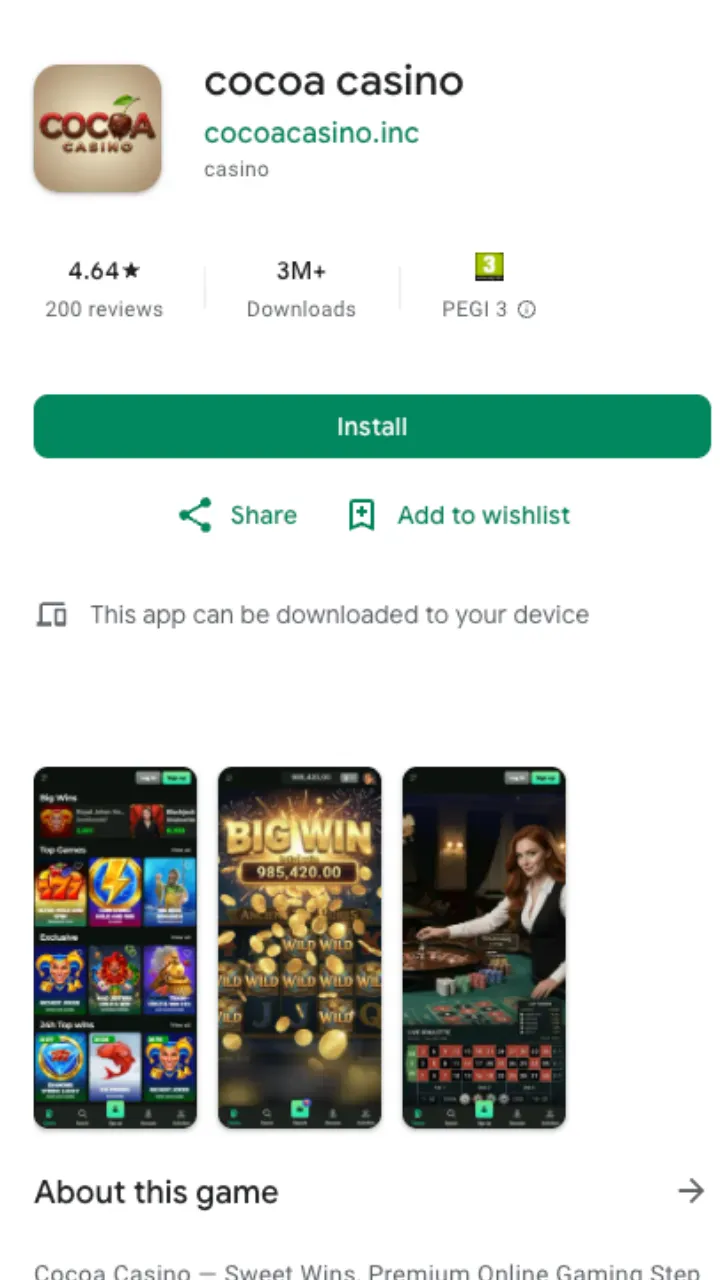
The operator does not publish a standalone APK or an iOS binary. Instead, the site is built as a responsive mobile experience, and a Cocoa Casino download means saving the web app to a home screen rather than installing a package file. We loaded it on Android Chrome and iOS Safari, and the lobby, cashier and live chat all behaved the same as on desktop.
Cocoa casino mobile: what runs in the browser
The mobile build mirrors the full desktop product. The same providers feed the lobby on a phone, so titles from BGaming, Yggdrasil, Thunderkick, Spinomenal and Platipus load without a reduced catalogue. Search, filters and the favourites list carry over, and the welcome bonus of 100% up to £1,000 + 100 FS credits on the qualifying deposit regardless of whether play starts on a handset or a laptop.
Cocoa casino app download: adding the shortcut
The Cocoa Casino app download takes under a minute and stores a launcher icon next to native apps. On Android the browser handles it through the menu; on iOS the share sheet adds it to the home screen. The shortcut opens the casino full-screen, so the address bar disappears and the layout reads like a dedicated app.
| Platform | Browser | Steps to add |
|---|---|---|
| Android | Chrome | Menu, then "Add to Home screen" |
| iOS | Safari | Share, then "Add to Home Screen" |
| Tablet | Any modern browser | Same shortcut, wider layout |
Payments and verification on mobile
The cashier works the same on a phone as on desktop. Deposits start at £10, with £20 needed to activate the bonus, and withdrawals begin at £20 with a £4,000 daily cap. Apple Pay and Google Pay appear in the mobile flow alongside cards, bank transfer and CoinsPaid. Verification still applies before a first payout and runs up to 24 hours; the full breakdown sits on the payments page, and the methods are also listed in the payments section of the footer.
Support and practical notes
Live chat is available 24/7 from inside the mobile build, and email support runs around the clock, so a stalled login or payout can be raised without switching devices. Bonus terms carry x40 wagering with a £5 maximum bet while clearing, identical to desktop. For the full offer and game list, the Cocoa Casino home page covers the lobby, while the bonus terms explain how the rollover is calculated before a mobile balance becomes withdrawable.